Every YouTube Embed Parameter Explained (2026 Cheat Sheet)
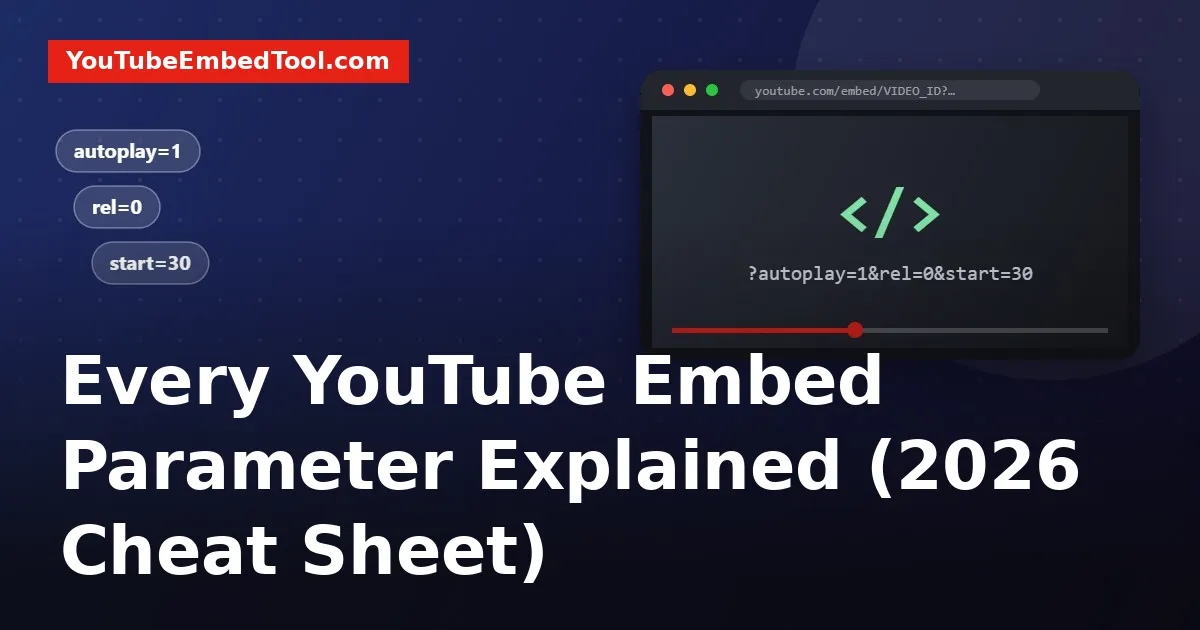
If you have ever copied an embed code from YouTube and wished it did one thing differently, the answer is almost always a parameter. Parameters are the little key=value pairs you add to the end of the embed URL. They control autoplay, looping, where the video starts, whether captions show, and a lot more.
The problem is that the internet is full of old lists. Half the parameters people still recommend (showinfo, modestbranding, autohide) stopped doing anything years ago. This guide covers what works today, with examples you can paste straight into your page.
How parameters work
A normal embed URL looks like this:
https://www.youtube.com/embed/VIDEO_IDTo add a parameter, put a ? after the video ID, then the parameter. To add more than one, join them with &:
https://www.youtube.com/embed/VIDEO_ID?autoplay=1&mute=1&start=30That URL goes inside the src of your iframe. If you don't want to type any of this by hand, our YouTube Embed Code Generator has a checkbox for each option and builds the URL for you.
Not sure what the video ID is? It's the 11-character code after v= in a normal YouTube link. The Video ID Finder pulls it out of any link format, including Shorts and youtu.be links.
Playback parameters
These change how and when the video plays.
| Parameter | Values | What it does |
|---|---|---|
autoplay | 0 or 1 | Starts the video as soon as the player loads |
mute | 0 or 1 | Starts the video muted |
start | seconds | Starts playback at that point |
end | seconds | Stops playback at that point |
loop | 0 or 1 | Replays the video when it ends |
playlist | video IDs | Plays a list of videos after the first one |
playsinline | 0 or 1 | Plays inline on iOS instead of going full screen |
A few things trip people up here.
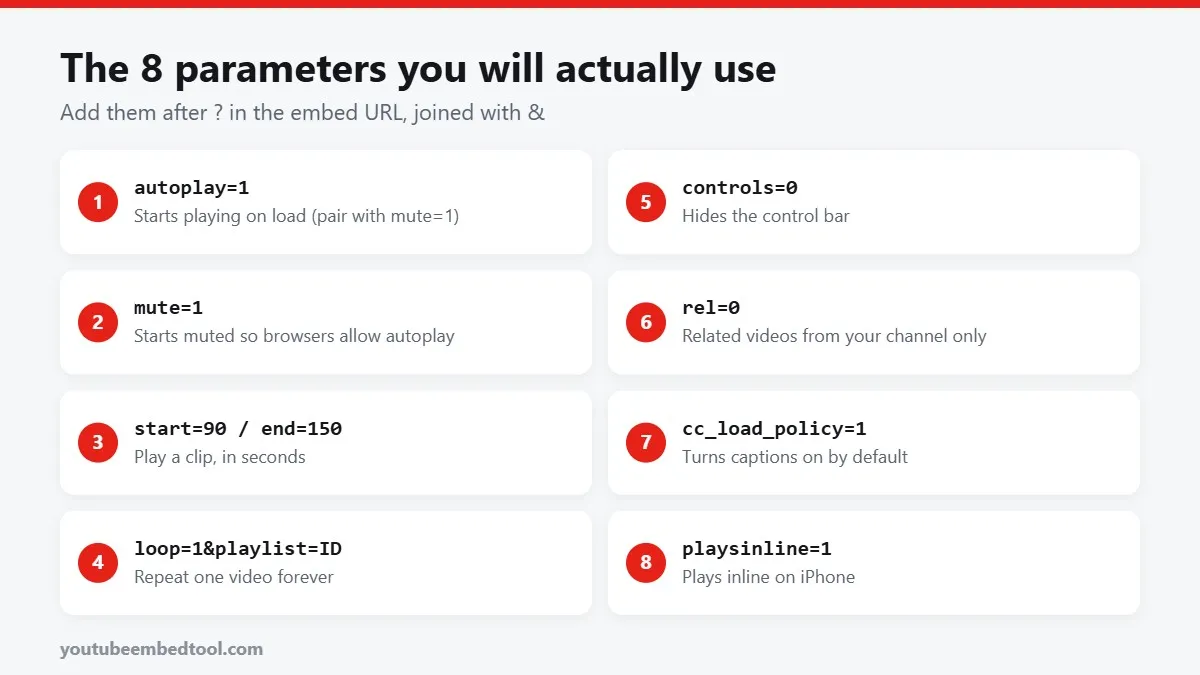
Autoplay needs mute. Chrome, Safari and Firefox block videos that autoplay with sound. If you use autoplay=1 on its own, the player usually just sits there. Add mute=1 and it works. We wrote a whole guide on this: YouTube autoplay embed not working.
Start and end use seconds, not minutes. To start at 2:30 you write start=150. Our Timestamp Link Generator does the maths if you'd rather not.
Loop needs the playlist parameter. This is the one everyone gets wrong. loop=1 only works if you also pass the same video ID as a playlist:
https://www.youtube.com/embed/VIDEO_ID?loop=1&playlist=VIDEO_IDMore detail in how to loop a YouTube video.
Player appearance parameters
| Parameter | Values | What it does |
|---|---|---|
controls | 0 or 1 | 0 hides the control bar |
fs | 0 or 1 | 0 removes the full-screen button |
color | red or white | Colour of the progress bar |
iv_load_policy | 1 or 3 | 3 hides video annotations and cards where supported |
disablekb | 0 or 1 | 1 turns off keyboard shortcuts |
rel | 0 or 1 | Controls which related videos show at the end |
The rel parameter deserves a proper explanation, because most guides still get it wrong. Since 2018, rel=0 does not remove related videos completely. It tells YouTube to show related videos from the same channel instead of from anywhere on YouTube. That's still useful, since it stops a competitor's video from appearing at the end of yours, but it isn't a full off switch.
Hiding the controls with controls=0 works well for background videos and short product loops. Just remember the viewer then has no pause button, so don't do it on a tutorial people need to scrub through.
Caption and language parameters
| Parameter | Values | What it does |
|---|---|---|
cc_load_policy | 1 | Shows captions by default |
cc_lang_pref | language code | Preferred caption language, such as en or hi |
hl | language code | Language of the player's buttons and menus |
Captions are good for accessibility and for the large share of people who watch with the sound off. We cover the details in how to turn on captions by default in a YouTube embed.
Developer parameters
| Parameter | What it does |
|---|---|
enablejsapi=1 | Lets your JavaScript control the player through the IFrame API |
origin | Your site's domain. Recommended whenever you use enablejsapi |
widget_referrer | Tells YouTube Analytics which page the embed sits on |
list and listType | Load a playlist or a channel's uploads instead of one video |
If you're embedding a playlist, the simpler route is in how to embed a YouTube playlist.
Parameters that no longer work
You can safely delete these from old embed codes. They do nothing today.
showinfo: removed in 2018. The title bar can't be hidden this way any more.modestbranding: deprecated in 2023. The YouTube logo now shows no matter what.autohide,theme: removed years ago.listType=search: search-based playlists were retired.
Leaving them in won't break anything, but it does clutter your code and makes it harder to see what's actually doing the work.
A good default embed for most sites
If you just want a sensible starting point, this is what we'd use on a blog post:
https://www.youtube-nocookie.com/embed/VIDEO_ID?rel=0&playsinline=1The youtube-nocookie.com domain doesn't set tracking cookies until someone presses play, which helps with privacy rules. We explain the trade-offs in youtube-nocookie and GDPR.
For a muted, looping background clip, swap that for:
https://www.youtube-nocookie.com/embed/VIDEO_ID?autoplay=1&mute=1&loop=1&playlist=VIDEO_ID&controls=0&playsinline=1Quick checklist
- Join parameters with
&, and use?only once. - Times are in seconds.
- Autoplay only works reliably when muted.
- Loop needs
playlist=with the same ID. rel=0limits related videos to your channel; it doesn't hide them.
If an embed still refuses to play after all this, the problem is usually the video itself rather than your parameters. Our guide to YouTube embed errors walks through each error code and what to do about it.
Frequently asked questions
How do I add more than one parameter to a YouTube embed?
Put a question mark after the video ID and join each parameter with an ampersand, for example ?autoplay=1&mute=1&start=30.
Does rel=0 still hide related videos?
Not completely. Since 2018 rel=0 shows related videos from the same channel instead of from all of YouTube.
Why does my embed ignore autoplay=1?
Browsers block autoplay with sound. Add mute=1 and the video will start on its own.
Can I remove the YouTube logo from an embed?
No. The modestbranding parameter was deprecated in 2023 and the logo now always shows.
How do I make an embedded YouTube video loop?
Add loop=1 and playlist=VIDEO_ID, using the same video ID that is in the embed URL.