YouTube Autoplay Embed Not Working? 5 Fixes That Work
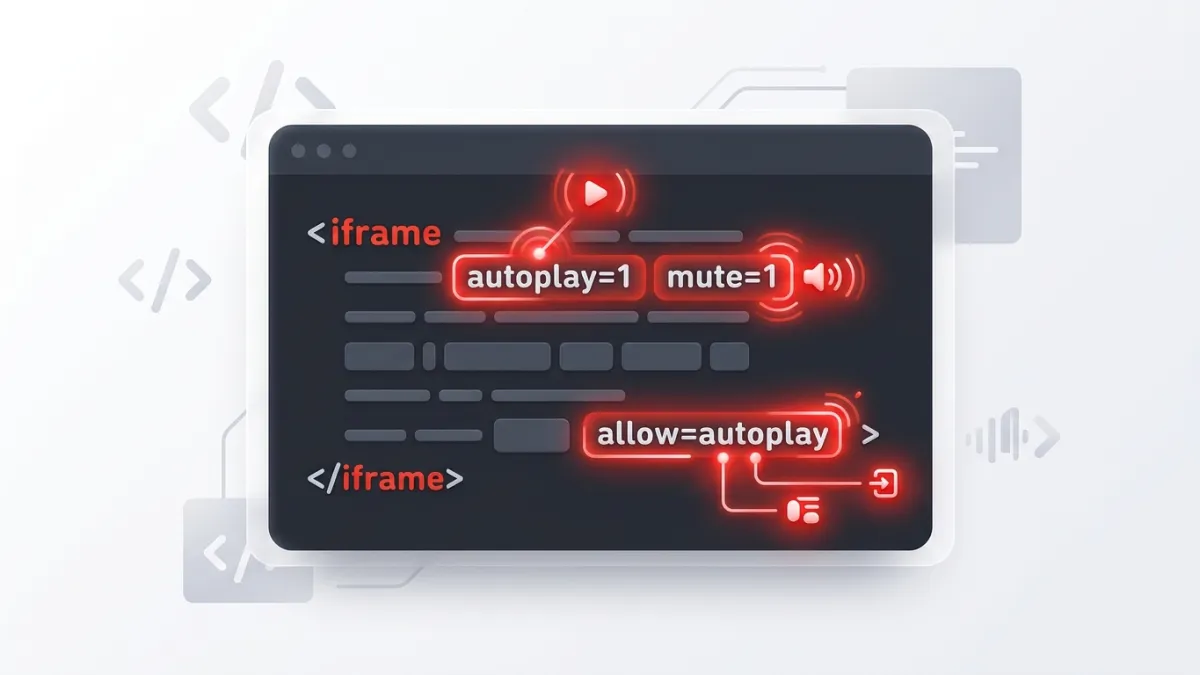
If your youtube embed autoplay not working issue is driving you crazy, the fix usually takes less than 30 seconds. Modern web browsers automatically block videos from playing on page load unless the audio is completely muted and the iframe explicitly declares autoplay permissions. To restore autoplay, you must pair autoplay=1 with mute=1 in the video source URL and include allow="autoplay" inside your iframe tag.
Browser engines like Blink (Chrome, Edge, Brave), WebKit (Safari), and Gecko (Firefox) enforce strict user-experience policies. These rules prevent intrusive, loud media from startling visitors or consuming mobile bandwidth without consent. If any single required parameter or permission flag is missing, the player silently defaults to a paused state.
Why Is Your YouTube Embed Autoplay Not Working?
Before jumping into the fixes, it helps to understand why this happens. Browsers monitor a metric called the Media Engagement Index (MEI) alongside explicit permission policies. Unless a visitor frequently interacts with media on your domain, the browser rejects any unmuted audio playback attempted without a direct user click.
Here is a quick summary of what causes autoplay to fail:
| Failure Cause | What Happens | How to Resolve |
|---|---|---|
| Unmuted Audio | Browser blocks audio playback | Add &mute=1 to the embed URL |
| Missing Iframe Attribute | Browser denies cross-origin autoplay | Add allow="autoplay" to the iframe |
| URL Syntax Errors | Parameters are ignored by YouTube | Use ? for the first parameter and & after |
| Mobile Power Modes | OS suspends auto-playback | Provide a clear poster image or play prompt |
| Conflicting Scripts | JavaScript API pauses player | Check custom event listeners and APIs |
If you want to bypass manual coding altogether, you can use our YouTube Embed Code Generator to create fully compliant, autoplay-ready iframe snippets with a single click.
5 Fixes for YouTube Embed Autoplay Issues
Fix 1: Add the mute=1 Parameter
The most frequent cause of autoplay failure is omitting the mute parameter. Browsers will unconditionally reject autoplay if the video attempts to play audio automatically on load.
To resolve this, append mute=1 to your embed URL. If autoplay=1 is your only parameter, separate them with an ampersand (&).
Here is an example of an embed that fails in most browsers:
<!-- Broken: Autoplay will fail because sound is enabled -->
<iframe
  width="560"
  height="315"
  src="https://www.youtube.com/embed/dQw4w9WgXcQ?autoplay=1"
  title="YouTube video player">
</iframe>
Here is the corrected code with audio muted:
<!-- Working: Video autoplays muted -->
<iframe
  width="560"
  height="315"
  src="https://www.youtube.com/embed/dQw4w9WgXcQ?autoplay=1&mute=1"
  title="YouTube video player">
</iframe>
When visitors land on the page, the video starts immediately without sound. Viewers can click the player's volume icon to unmute whenever they want.
Fix 2: Add allow="autoplay" to the Iframe Tag
HTML5 Feature Policy requires that parent documents explicitly grant permission to iframes before cross-origin features—such as full screen, accelerometer, or autoplay—can run. Even if your URL parameters are 100% correct, omitting the allow attribute stops autoplay dead in its tracks.
Inspect your <iframe> markup and ensure the allow attribute includes autoplay:
<iframe
  width="560"
  height="315"
  src="https://www.youtube.com/embed/dQw4w9WgXcQ?autoplay=1&mute=1"
  title="YouTube video player"
  frameborder="0"
  allow="accelerometer; autoplay; clipboard-write; encrypted-media; gyroscope; picture-in-picture; web-share"
  referrerpolicy="strict-origin-when-cross-origin"
  allowfullscreen>
</iframe>
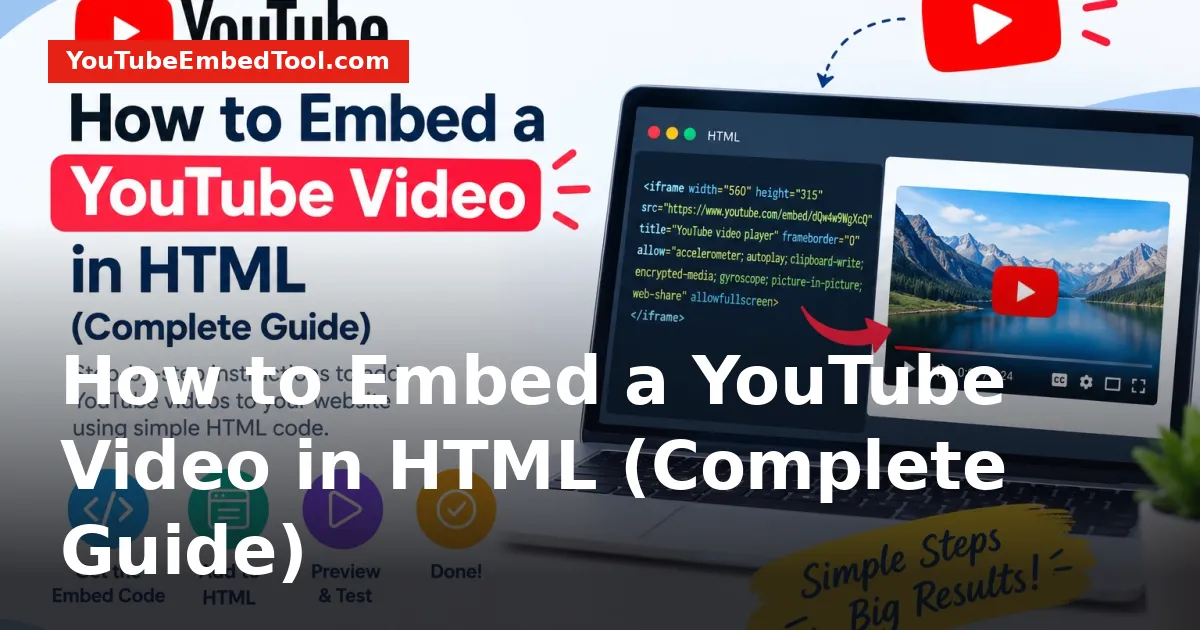
If you are building custom layouts, review our guide on how to embed a YouTube video in HTML for a complete breakdown of iframe security attributes.
Fix 3: Correct Your URL Query String Syntax
URL parameters follow strict formatting rules. A single typo or misplaced character will cause YouTube's player to ignore every parameter that follows it.
- The First Parameter Must Begin with a Question Mark (
?):
https://www.youtube.com/embed/VIDEO_ID?autoplay=1
- All Subsequent Parameters Must Begin with an Ampersand (
&):
https://www.youtube.com/embed/VIDEO_ID?autoplay=1&mute=1&playsinline=1
- Never Use Multiple Question Marks:
Using ?autoplay=1?mute=1 breaks the string and disables both controls.
If you are also pairing autoplay with looped playback or starting points, double-check your syntax. You can read our walkthrough on how to loop a YouTube video to see how chained parameters like loop=1, playlist=VIDEO_ID, and autoplay=1 interact.
Fix 4: Include playsinline=1 for Mobile Safari and Chrome
Mobile devices on iOS and Android handle video playback differently than desktop computers. By default, iOS Safari often attempts to force media into the native fullscreen player. When this happens alongside autoplay, iOS blocks the playback to conserve battery and screen real estate.
Adding playsinline=1 tells the mobile browser to play the video right where it sits inside the webpage layout instead of triggering fullscreen mode:
<iframe
  width="100%"
  height="315"
  src="https://www.youtube.com/embed/dQw4w9WgXcQ?autoplay=1&mute=1&playsinline=1"
  title="YouTube video player"
  allow="accelerometer; autoplay; clipboard-write; encrypted-media; gyroscope; picture-in-picture"
  allowfullscreen>
</iframe>
To ensure your player looks sharp across smartphones, check out our guide on how to make a YouTube embed responsive on mobile.
Fix 5: Clear Conflicting YouTube Iframe API Calls
If you are embedding your video using the YouTube IFrame Player API (YT.Player) through JavaScript, script timing issues can cause autoplay commands to fail.
Make sure your player configuration object sets the mute() method inside the onReady handler before executing playVideo(). Attempting to trigger event.target.playVideo() without first calling event.target.mute() will be blocked by the browser console with an Uncaught (in promise) DOMException: play() failed error.
function onPlayerReady(event) {
  // Mute first to satisfy browser autoplay policies
  event.target.mute();
  event.target.playVideo();
}
If you only need standard playback without JavaScript event listeners, stick to standard HTML iframe code to minimize bugs.
The Complete, Bulletproof Autoplay Iframe Template
Here is a complete, copy-paste template that incorporates all browser policy requirements, responsive attributes, and inline mobile rules:
<div style="position: relative; padding-bottom: 56.25%; height: 0; overflow: hidden; max-width: 100%;">
  <iframe
    style="position: absolute; top: 0; left: 0; width: 100%; height: 100%; border: 0;"
    src="https://www.youtube.com/embed/VIDEO_ID?autoplay=1&mute=1&playsinline=1&rel=0"
    title="YouTube video player"
    allow="accelerometer; autoplay; clipboard-write; encrypted-media; gyroscope; picture-in-picture; web-share"
    referrerpolicy="strict-origin-when-cross-origin"
    allowfullscreen>
  </iframe>
</div>
Replace VIDEO_ID with the 11-character identifier of your specific video. If you are unsure where to locate that string, check our guide on how to find any YouTube video ID in seconds.
Summary Checklist
Before publishing your embedded video, run through this quick checklist:
- [ ] Is
autoplay=1present in the URL query string? - [ ] Is
mute=1attached to the URL? - [ ] Does the
<iframe>have theallow="autoplay"attribute? - [ ] Is
playsinline=1included for mobile visitors? - [ ] Is the URL parameter syntax correct (
?param1=val¶m2=val)? - [ ] Is the visitor's device outside of strict battery saver or low-data mode?
Frequently asked questions
Can a YouTube embed autoplay with sound enabled?
No. Modern web browsers strictly block unmuted autoplay to prevent loud, unexpected audio. The video must start muted using the mute=1 parameter, after which the user can unmute manually.
Why does my autoplay embed work on desktop but fail on iPhone?
iOS requires the playsinline=1 parameter so the video can play inside the web layout rather than opening fullscreen. Additionally, iOS Low Power Mode automatically disables video autoplay to save battery.
Does autoplay affect YouTube view counts?
YouTube uses strict anti-spam algorithms for embedded views. While legitimate muted autoplay views may register if the user stays on the page and watches for a qualifying duration, automated or looped embeds with low engagement are routinely filtered out.
Can I start an autoplaying embed at a specific timestamp?
Yes. You can add the start parameter to your embed URL alongside autoplay and mute (for example, ?autoplay=1&mute=1&start=45).