How to Turn On Captions by Default in a YouTube Embed
A lot of people watch video with the sound off. They're on a train, in an office, scrolling in bed next to someone who's asleep. If your embedded video has no captions showing, many of those people will scroll straight past it.
YouTube lets you switch captions on by default for an embed with one small parameter. You can also choose which language shows. Here's how.
The quick answer
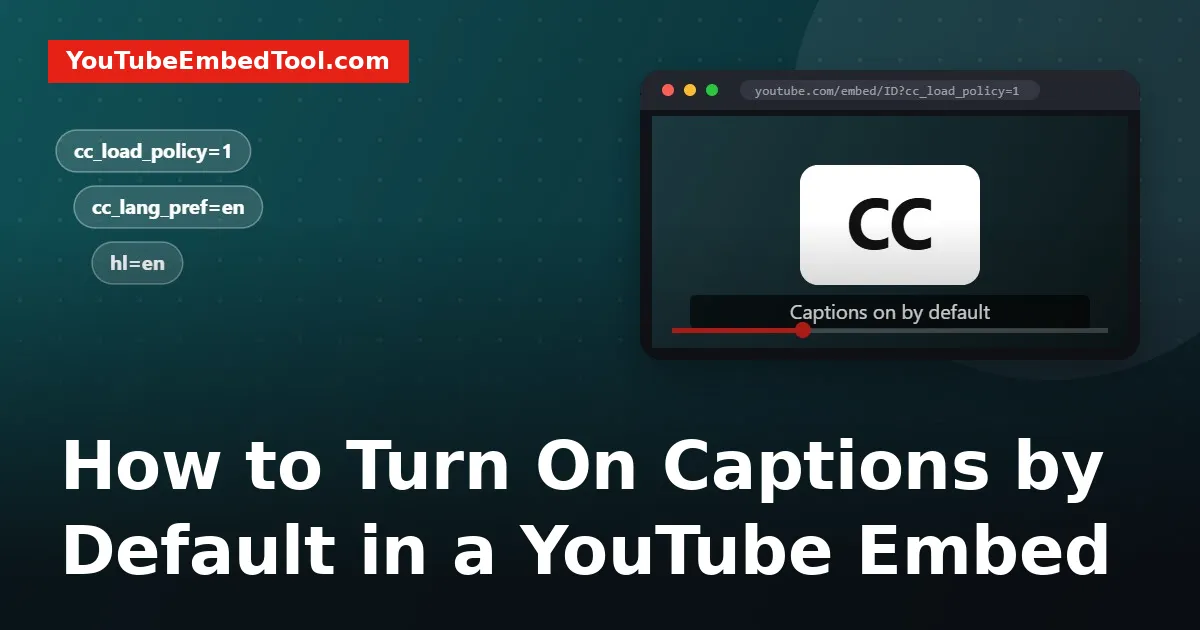
Add cc_load_policy=1 to the end of your embed URL:
https://www.youtube.com/embed/VIDEO_ID?cc_load_policy=1That's it. When someone presses play, captions appear without them having to tap the CC button.
If you'd rather tick a box than edit URLs, our YouTube Embed Code Generator builds the code for you, and the parameter cheat sheet lists every other option you can combine with it.
Choosing the caption language
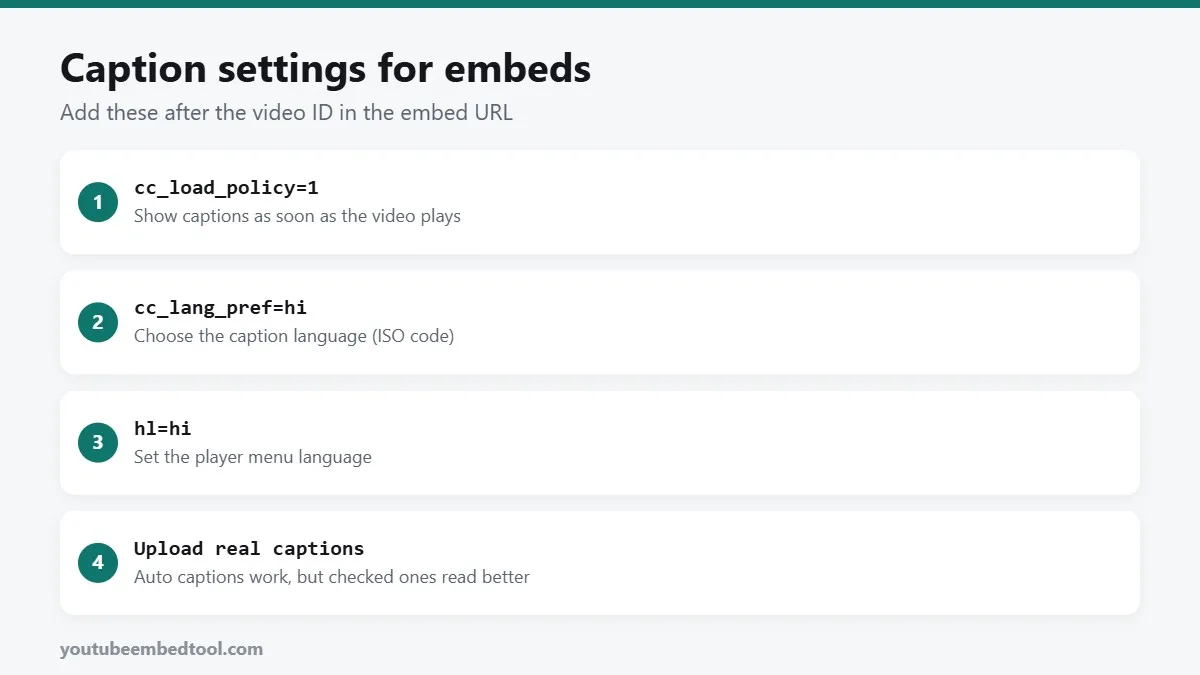
If a video has captions in several languages, YouTube normally picks one based on the viewer's settings. To choose it yourself, add cc_lang_pref with a two-letter language code:
https://www.youtube.com/embed/VIDEO_ID?cc_load_policy=1&cc_lang_pref=hiSome common codes:
| Language | Code |
|---|---|
| English | en |
| Hindi | hi |
| Spanish | es |
| French | fr |
| German | de |
| Portuguese | pt |
| Arabic | ar |
| Japanese | ja |
This works well for sites in more than one language. Your Hindi page can embed the same video as your English page, with Hindi captions switched on.
Changing the player's language too
cc_lang_pref only affects the captions. To change the language of the player itself (the menus, tooltips and settings), add hl:
https://www.youtube.com/embed/VIDEO_ID?cc_load_policy=1&cc_lang_pref=es&hl=esWhy captions sometimes don't appear
You've added the parameter and nothing happens. These are the usual reasons.
The video has no captions. cc_load_policy can only show captions that exist. Open the video on YouTube and click the settings gear, then Subtitles/CC. If the menu is empty, there's nothing to show.
The language you chose doesn't exist. If you ask for cc_lang_pref=fr and there are no French captions, YouTube falls back to another track or shows none. Check what languages are listed in the subtitles menu.
The viewer's own settings win. If a signed-in viewer has turned captions off in their YouTube account, or chosen a different language, their preference can override yours. That's by design: it respects the viewer's choice.
You used ? twice. If your URL already has a parameter, the new one must start with &, not ?. For example ?start=30&cc_load_policy=1, not ?start=30?cc_load_policy=1. Our guide to YouTube embed errors covers this mistake in more detail.
Auto captions vs real captions
YouTube creates automatic captions for most videos in supported languages. They've got much better, but they still trip over names, brands, technical terms and strong accents.
If it's your own video, it's worth spending ten minutes cleaning them up:
- Open YouTube Studio and go to Subtitles.
- Pick the video and click the language.
- Click Duplicate and edit on the automatic track, fix the mistakes, and publish.
Clean captions help viewers, and they also give YouTube accurate text about what your video says. That can only help with search inside YouTube.
Should every embed have captions on?
Not always. Here's a simple rule of thumb:
- Turn them on for talking-head videos, tutorials, interviews, and anything that autoplays muted.
- Leave them off for music videos, product demos with no speech, or short background clips.
Muted autoplay is the big one. If you use autoplay=1&mute=1 (and browsers require the mute for autoplay to work), captions are the only way a silent viewer knows what's being said. Combine them:
https://www.youtube.com/embed/VIDEO_ID?autoplay=1&mute=1&cc_load_policy=1Accessibility notes
Captions are only part of an accessible embed. Two more quick wins:
- Give the iframe a title, like
title="How to bake sourdough bread". Screen readers announce it, and "YouTube video player" tells nobody anything. - Add a short summary or transcript under the video. It helps people who can't play video at all, and it gives search engines text to understand your page.
Summary
cc_load_policy=1turns captions on by default.cc_lang_pref=xxpicks the caption language.hl=xxchanges the player's menu language.- Captions only show if the video has them, and viewer settings can override yours.
It takes ten seconds to add and makes your videos usable for a lot more people. If you're also working on how the player looks on phones, see how to make a YouTube embed responsive.
Frequently asked questions
How do I make captions show automatically on an embedded YouTube video?
Add cc_load_policy=1 to the embed URL, for example https://www.youtube.com/embed/VIDEO_ID?cc_load_policy=1.
How do I choose the subtitle language in a YouTube embed?
Add cc_lang_pref with a language code, such as cc_lang_pref=hi for Hindi or cc_lang_pref=es for Spanish. The video must have captions in that language.
Why are captions not showing in my YouTube embed?
The video may have no captions in that language, the viewer may have turned captions off in their account, or the URL may contain a second question mark.
Does cc_load_policy work with autoplay?
Yes. You can combine autoplay=1, mute=1 and cc_load_policy=1 so a muted video starts with captions on.