12 YouTube URL Tricks Most People Don't Know
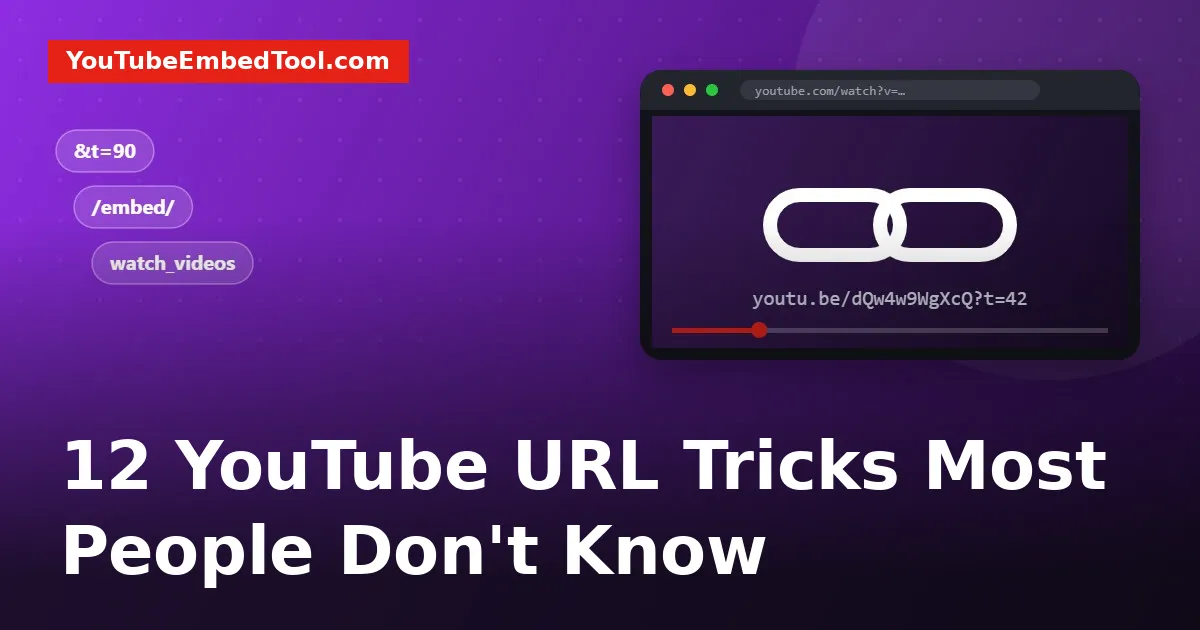
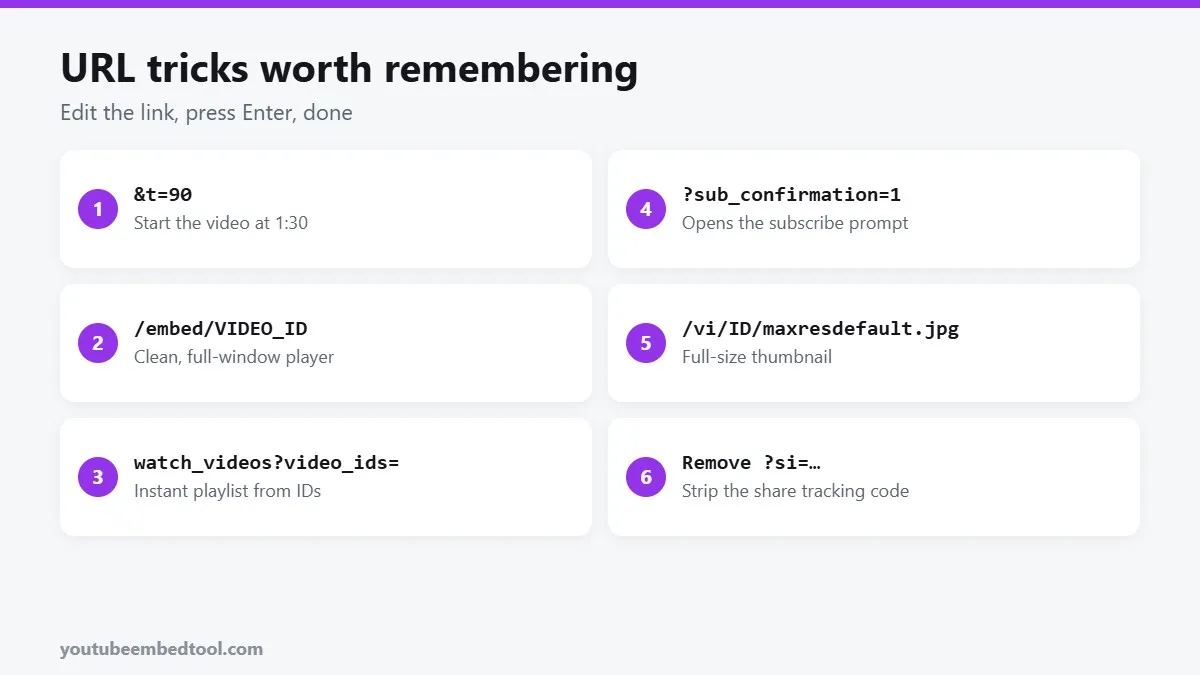
A YouTube link looks like a random jumble of letters, but it's actually quite readable once you know the parts. Change a few characters and you can make a video start at a certain second, open it in a clean full-window player, or turn a handful of videos into a playlist without logging in.
Here are 12 tricks we use all the time. None of them need an extension or an app.
First, the parts of a YouTube link
https://www.youtube.com/watch?v=dQw4w9WgXcQ&t=42watch?v=says "play a video".dQw4w9WgXcQis the video ID, always 11 characters.&t=42is an extra instruction, here "start at 42 seconds".
Most tricks below are just about changing or adding those instructions. If you ever need the ID on its own, our Video ID Finder pulls it out of any link.
1. Start at an exact time
Add &t= and a number of seconds to a normal link:
https://www.youtube.com/watch?v=VIDEO_ID&t=90You can also write t=1m30s. On a short youtu.be link, use ?t=90 instead because there's no earlier ?. Our Timestamp Link Generator builds these for you, and we cover more ways in how to start a YouTube video at a specific time.
2. Use the short youtu.be link
https://youtu.be/VIDEO_IDIt's the same video in fewer characters, which is handy for social posts, SMS and printed material.
3. Open a distraction-free player
Replace watch?v= with embed/:
https://www.youtube.com/embed/VIDEO_IDThe video fills the whole browser window with no comments, no recommendations sidebar and no feed. It's great for presentations or for watching a tutorial on a second screen. (Some videos block this if the owner has switched off embedding.)
4. Make an instant playlist from video IDs
This one surprises people. List video IDs, separated by commas:
https://www.youtube.com/watch_videos?video_ids=ID1,ID2,ID3YouTube creates a temporary, untitled playlist that plays them in order. No account needed. It's perfect for sending a friend "watch these three in this order". If you want a playlist on your own site, see how to embed a YouTube playlist.
5. Loop a video with one change
Use the embed player with loop turned on:
https://www.youtube.com/embed/VIDEO_ID?loop=1&playlist=VIDEO_IDYes, you need the ID twice. That's how YouTube's loop works. More ways to do this in how to loop a YouTube video.
6. Play just a clip
The embed player accepts both a start and an end time, in seconds:
https://www.youtube.com/embed/VIDEO_ID?start=60&end=95The video plays from 1:00 to 1:35 and stops. Useful for showing someone one specific moment.
7. Get the full-size thumbnail
Every video's thumbnail lives at a predictable address:
https://img.youtube.com/vi/VIDEO_ID/maxresdefault.jpgIf that shows a grey placeholder, try hqdefault.jpg. Or just use our Thumbnail Downloader, which shows every size at once.
8. Remove the tracking code from shared links
When you tap Share in the app, YouTube adds something like ?si=AbC123xyz to the end. It's a tracking code that can link the shared video back to your account's share. You can delete everything from ?si= onwards and the link still works perfectly.
9. Add a subscribe prompt to your channel link
Add ?sub_confirmation=1 to your channel URL:
https://www.youtube.com/@yourhandle?sub_confirmation=1Visitors who are signed in see a pop-up asking them to subscribe. Creators use this in video descriptions, email signatures and on their websites.
10. Watch a Short in the normal player
Shorts open in the vertical swipe player, which has no seek bar on some devices and keeps pulling you to the next one. Change shorts/ to watch?v=:
https://www.youtube.com/shorts/VIDEO_ID → https://www.youtube.com/watch?v=VIDEO_IDNow you get the regular player with a progress bar, speed controls and the option to loop. Embedding Shorts on a site works a little differently; see how to embed YouTube Shorts.
11. Jump to a channel's videos, Shorts or live
Add a section name after the channel handle:
https://www.youtube.com/@handle/videos
https://www.youtube.com/@handle/shorts
https://www.youtube.com/@handle/streams
It skips the channel home page and goes straight to the list you want.
12. Play one video from a playlist link
When a link includes &list= and &index=, YouTube plays the whole playlist and autoplays the next video. To share just the one video, delete everything from &list= onwards.
A few more things to try
Once you're comfortable editing links, YouTube becomes a lot faster to use. Pair these URL tricks with YouTube keyboard shortcuts and a few hidden YouTube features, and you'll be getting around the site quicker than most people.
And if you need any of these links as a proper embed on your website, the YouTube Embed Code Generator turns them into a responsive player in a couple of clicks.
Frequently asked questions
How do I make a YouTube link start at a certain time?
Add &t= followed by the number of seconds to the link, for example &t=90 to start at 1 minute 30 seconds. On youtu.be links use ?t=90.
How do I make a YouTube playlist without an account?
Use https://www.youtube.com/watch_videos?video_ids= followed by video IDs separated by commas. YouTube creates a temporary playlist.
What does si= mean in a YouTube link?
It is a share tracking code YouTube adds when you use the Share button. You can delete it and the link still works.
How do I watch a YouTube Short in the normal player?
Change /shorts/ in the link to /watch?v= and keep the same video ID.