YouTube 50MB Thumbnail Update & TV Video Upscaling
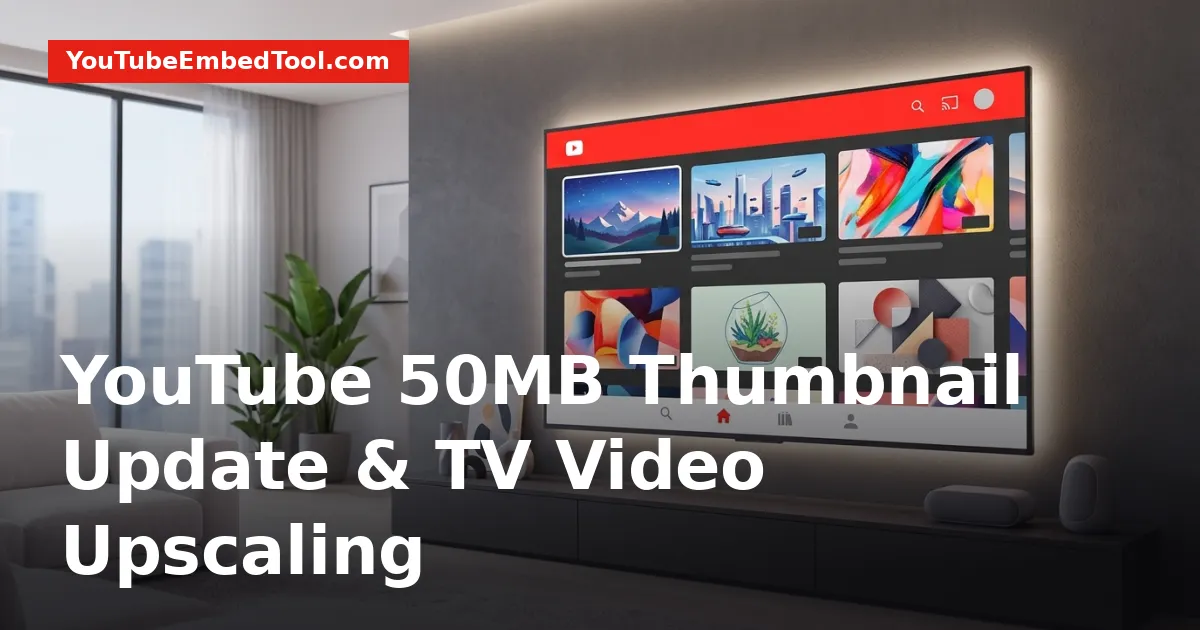
YouTube has raised its custom thumbnail upload size limit from 2MB to 50MB and launched smart video upscaling for television displays. Announced by YouTube CEO Neal Mohan on October 29, the YouTube 50MB thumbnail update allows creators to upload uncompressed 4K cover graphics designed specifically for large living room screens. Alongside this visual overhaul, the platform has rolled out automated upscaling for standard-definition catalog videos and added new interactive browsing features for smart TVs.
Here is a complete breakdown of everything announced, why the changes were made, and how creators and viewers can take advantage of the new TV features.
What Is the YouTube 50MB Thumbnail Update?
For years, YouTube restricted custom thumbnail uploads to a strict 2MB ceiling. While 2MB was sufficient for smartphones and desktop monitors, it frequently led to noticeable compression artifacts, pixelation, and blurring when viewed on large, high-resolution smart TVs.
Under the new update, YouTube expanded that limit 25-fold to 50MB. This allows creators to export and upload ultra-high-definition 4K thumbnails with zero heavy compression. The higher file allowance preserves fine text details, sharp borders, and rich color gradations that would otherwise get crushed by aggressive file compression algorithms.
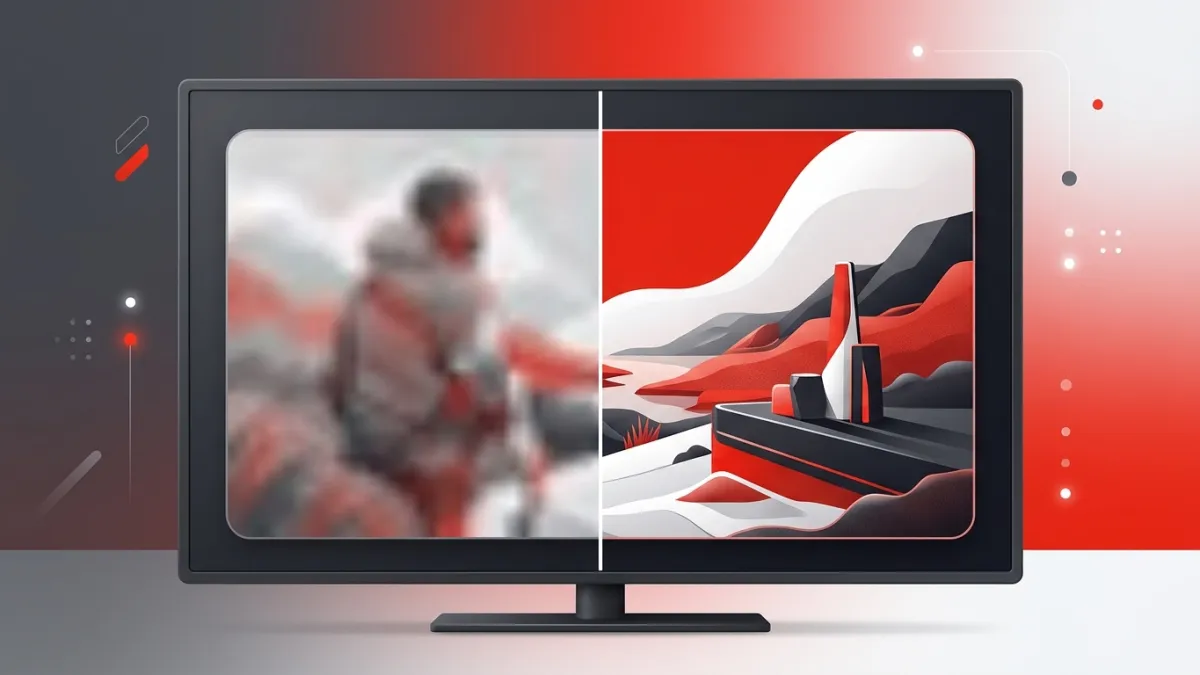
The 50MB thumbnail capability began rolling out globally on October 29 through YouTube Studio. It works across the standard upload workflow and supports existing video catalogs.
| Specification | Previous Specification | New October 2026 Specification |
|---|---|---|
| Maximum File Size | 2MB | 50MB |
| Target Display Resolution | 1080p (Full HD) & Mobile Displays | 4K Ultra HD & Large Smart TVs |
| Compression Artifacts | Frequent on large screens | Eliminated for high-res source files |
| Platform Availability | YouTube Studio (All devices) | YouTube Studio & YouTube on TV |
If you want to review the current resolution of existing covers across your catalog, you can inspect your graphics using a YouTube Thumbnail Downloader or review our guide on how to download a YouTube thumbnail in Full HD (1080p).
Why YouTube Is Focusing on Living Room Screens
The decision to dramatically raise thumbnail sizes stems directly from shifting viewer habits. During the October 29 announcement, CEO Neal Mohan confirmed that connected TVs represent YouTube's fastest-growing surface.
Television screens are no longer just a secondary way people consume clips; they have become a primary hub for long-form viewing and creator monetization. According to platform data shared during the announcement:
- Connected TVs are now the platform's fastest-growing viewing format worldwide.
- The number of YouTube channels generating six figures or more in revenue directly from TV viewership climbed 45% year over year.
As more household viewing shifts to 55-inch, 65-inch, and 75-inch screens, low-resolution artwork degrades the viewing experience. Clear visual presentation directly influences click-through rates and audience retention on connected devices. Creators looking to evaluate how audience shifts impact their bottom line can forecast potential earnings using the YouTube Money Calculator.
Automated Video Upscaling for Catalog Content
High-resolution thumbnails solve only half of the living room viewing experience. To address older or lower-resolution video content, YouTube also introduced automated video upscaling on compatible smart TVs and connected streaming devices.
How the Upscaling System Operates
- Standard-Definition Enhancements: The upscaling engine automatically upgrades lower-resolution and standard-definition (SD) catalog uploads to high definition (HD) during playback on television screens.
- Future 4K Roadmap: YouTube confirmed that full 4K upscaling is currently in development and scheduled for deployment in a future update.
- Fidelity Controls and Opt-Outs: Recognizing that automated upscaling may alter the stylistic look of certain projects (such as archival footage, vintage film grain, or retro animations), YouTube included dedicated opt-out settings. Both creators and viewers retain full control to turn off upscaling and maintain original video fidelity.
New Interactive Features for YouTube on TV
Alongside graphic and video quality upgrades, YouTube released three interactive features to modernize the YouTube on TV application.
1. Immersive Channel Pages with Auto-Playing Teasers
Channel pages on television sets now offer an immersive layout. When an audience member navigates to a creator's profile page on a smart TV, teaser clips now play automatically in the background, giving viewers an instant preview of the channel's themes and production quality.
2. Refined Contextual Search
Searching for content on television remotes can often be clunky. YouTube refined its TV contextual search engine to prioritize a creator's dedicated content at the very top of search results when users look up specific channel names or topics on connected TV sets.
3. TV Shopping QR Codes
To boost commercial utility without disrupting the viewing flow, YouTube introduced TV shopping QR codes on tagged product videos. When a viewer watches a video with tagged merchandise or recommended products, an on-screen QR code appears. Viewers can scan the code using their smartphone to purchase items immediately while playback continues uninterrupted on the TV screen.
What Creators Should Do Next
With these updates live globally, creators should take practical steps to ensure their channels look competitive on big screens:
- Export Thumbnails at Full Resolution: You are no longer restricted to shrinking files below 2MB. When rendering cover designs in your image editor, export high-bitrate files up to 50MB to take full advantage of 4K television rendering.
- Audit Older Catalog Looks: Test your older standard-definition uploads on a smart TV to see how the automated HD upscaler renders your footage. If an artistic project looks unnatural with sharpening, navigate to your YouTube Studio settings to disable the upscaler.
- Set Up Profile Teaser Clips: Review your channel home page setup to ensure your featured clip represents your best work, as smart TV users will see these clips auto-play when browsing your channel.
- Explore Strategic Opportunities: For more guides on positioning your channel for audience growth across emerging formats, explore our dedicated resources in Creator Growth.
The YouTube 50MB thumbnail update and the accompanying living room features mark an important transition toward treating television screens as primary broadcast real estate. Updating your media assets today will help ensure your content remains sharp, legible, and engaging across any screen size.
Frequently asked questions
When did the YouTube 50MB thumbnail update take effect?
The update began rolling out globally on October 29, 2026, alongside new TV interface enhancements.
Can I turn off the automated video upscaling on TV?
Yes. Both creators and viewers have dedicated opt-out settings to disable automated upscaling and preserve the original video fidelity.
Does the 50MB thumbnail limit apply to all channels?
Yes, the 50MB custom thumbnail upload limit is available globally through YouTube Studio across compatible upload workflows.
How do TV shopping QR codes work during playback?
When watching a video with tagged products on a TV, viewers can scan an on-screen QR code with their mobile device to buy items without pausing the video.