YouTube Adds Temporary Feature Pause for Hacked Accounts
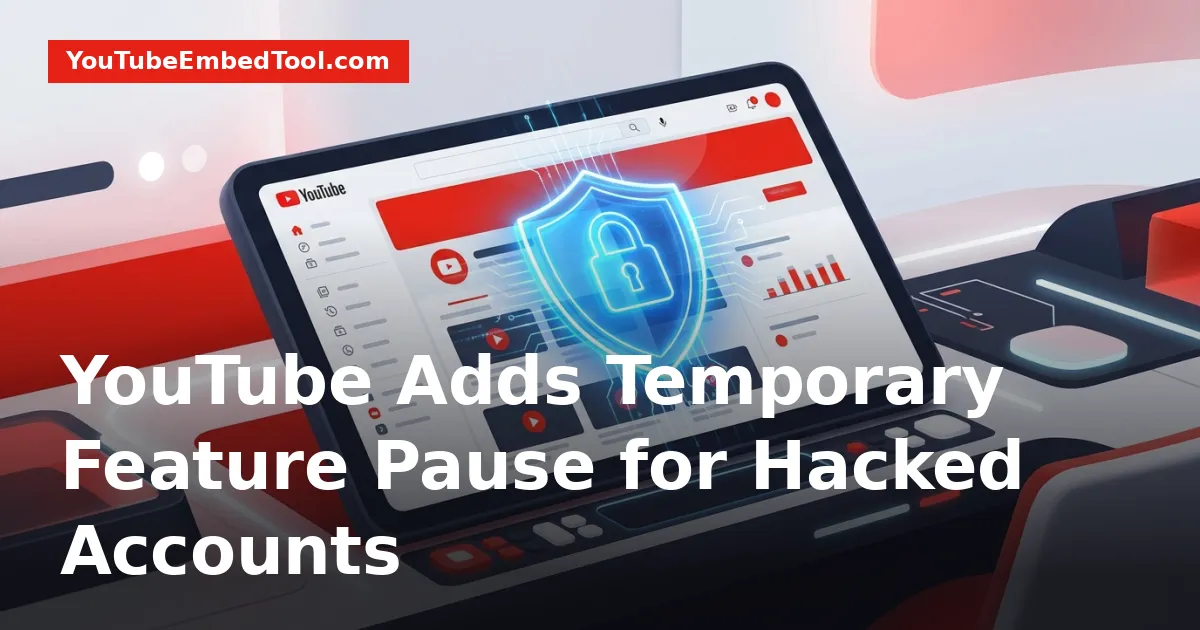
The YouTube temporary feature pause is a new automated defense system designed to protect creators whose accounts experience unauthorized or suspicious activity. When triggered, the system temporarily locks publishing, editing, and streaming privileges so bad actors cannot distribute harmful material or cause account termination. Normal public viewing, existing monetization, and subscriber counts remain fully intact while YouTube evaluates the channel.
Rolled out globally on October 21, 2026, this protective measure offers creators a much-needed buffer against fast-moving hijacking attacks. Understanding how the feature operates, what actions get frozen, and how the verification workflow resolves can help you respond calmly if your channel ever triggers an alert.
What Is the YouTube Temporary Feature Pause?
The YouTube temporary feature pause is an automated security intervention triggered when platform algorithms identify unusual patterns on a creator's profile. Channel hijackings often happen in seconds through compromised session tokens or credential theft, giving rightful owners very little time to intervene before a bad actor alters channel assets.
Under this system, the moment YouTube flags suspicious behavior, key functional controls on the channel are frozen immediately. This lock applies symmetrically: neither the intruder nor the channel owner can execute critical management tasks while the pause remains in effect. By halting changes instantly, the automated safeguard limits the window of opportunity attackers typically exploit to upload unauthorized material.
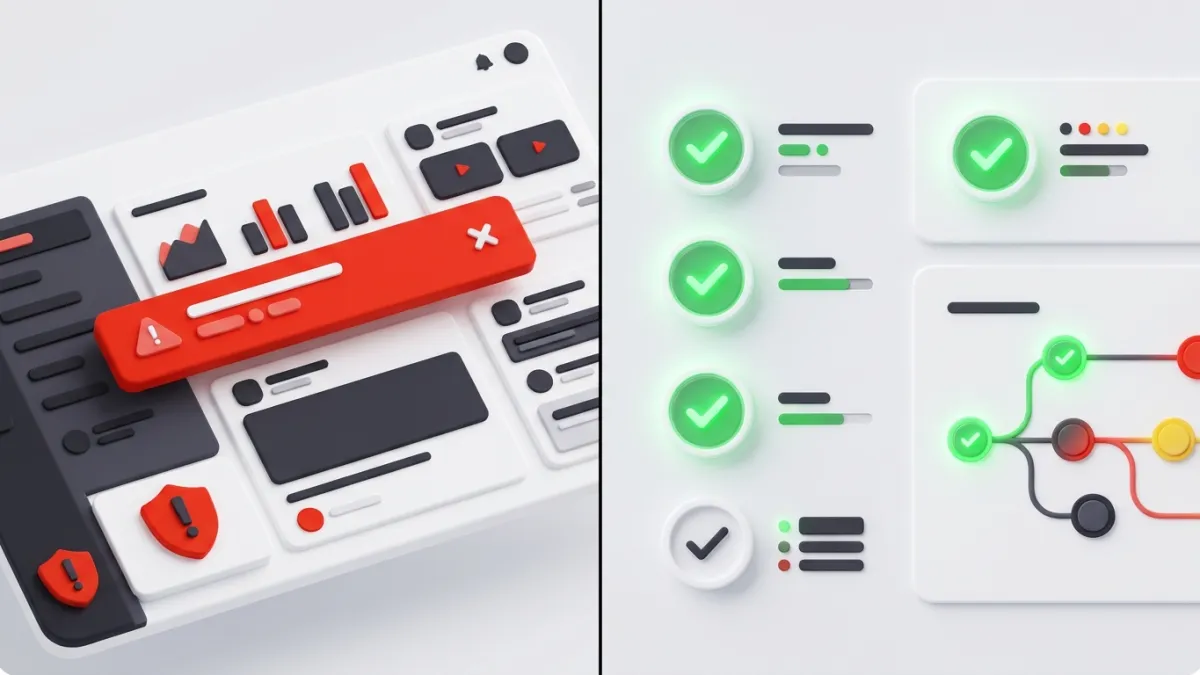
This update builds directly upon YouTube's recent creator support and account recovery initiatives, offering proactive automated defense alongside human investigation. For creators who follow developments in our YouTube News coverage, this shift represents a substantial evolution from purely reactive support to instant, programmatic mitigation.
Restricted Actions During a Temporary Pause
When a channel enters this paused status, specific publishing and modification capabilities are shut off across both desktop and mobile interfaces. These restrictions target the exact vectors intruders rely on to cause chaos or monetize stolen audiences.
Restricted actions include:
- Publishing new content: You cannot upload or update regular long-form videos.
- Posting short-form video: You cannot post or modify clips, including formats covered in our guide on how YouTube launches 3-minute Shorts globally.
- Broadcasting live: Starting livestreams is strictly disabled.
- Modifying playlists: Creating new playlists or altering existing ones is completely locked. This includes collaborative sets like those detailed in our breakdown of YouTube collaborative playlists.
- Changing thumbnails: Uploading custom thumbnails is suspended. If you need to retrieve high-resolution assets from existing uploads while planning your channel review, you can still check them using our YouTube Thumbnail Downloader.
- Adjusting video visibility: Switching video privacy statuses from private to public or unlisted is prevented.
Here is a complete breakdown of what is restricted versus what stays normal during an active pause:
| Channel Capability | Status During Temporary Feature Pause | Impact on Creator / Viewers |
|---|---|---|
| Uploading Long-Form Videos | Restricted | Neither owner nor attacker can post |
| Publishing YouTube Shorts | Restricted | Upload pipeline fully halted |
| Starting Livestreams | Restricted | Stream keys and live dashboard locked |
| Uploading Custom Thumbnails | Restricted | Existing thumbnails remain unchanged |
| Modifying / Creating Playlists | Restricted | Playlists cannot be rearranged or added |
| Unhiding Private Videos | Restricted | Private videos cannot be moved to public/unlisted |
| Existing Video Playback | Unaffected | Viewers can watch public library normally |
| Existing Channel Monetization | Unaffected | Ad revenue on active public videos continues |
| Channel Subscriber Counts | Unaffected | Subscribers stay intact and accounts remain public |
Why YouTube Built This Automated Security Measure
Channel takeovers follow predictable, destructive playbooks. When an attacker breaches an account, their primary goal is usually to capitalize on the channel's audience size and algorithm trust before the real owner notices.
Historically, hijackers quickly rebrand channels, schedule unauthorized cryptocurrency scam livestreams, or upload spam and policy-violating videos. Because these activities violate YouTube Community Guidelines so severely, automated moderation systems often respond with immediate community strikes or outright channel termination.
This sequence leaves genuine creators facing a double catastrophe: their login credentials are stolen, and their channel is deleted or penalized for actions they did not commit. Recovering a terminated channel through customer support has historically been a lengthy and stressful ordeal.
By pausing channel capabilities before malicious uploads can be distributed, the system prevents irreversible damage to creator reputations and audience trust. It stops the attack dead in its tracks before community strikes are generated, preserving the creator's standing on the platform.
What Creators Should Do If Their Channel Is Paused
If your account is placed into a temporary pause, YouTube alerts you immediately with an informational banner directly inside YouTube Studio on both desktop and mobile apps. This notification explains what triggered the security response and provides an estimated review timeline.
Here is how the review and restoration process works:
Step 1: Check the Studio Banner
Log in to YouTube Studio and inspect the informational notice. The banner provides context regarding the unusual activity detected and details the estimated time YouTube's security team needs to complete their assessment.
Step 2: Allow the 24-Hour Review Window to Run
YouTube security teams review the flagged channel's security status, typically within 24 hours. During this period, avoid attempting repeated workarounds to bypass publishing restrictions, as the locks are applied platform-wide at the system level.
Step 3: Follow Resolution Directions
The outcome of the security review determines what happens next:
- If account security is verified without issue: When the review establishes that the account is safe and the flagged pattern was benign, full channel capabilities are promptly restored. You do not need to submit appeals or open escalation tickets.
- If unauthorized access is confirmed: YouTube initiates account reclamation protocols. The platform provides clear instructions and designated support steps directly within the interface to guide you through securing your credentials and regaining sole ownership of your channel.
Availability and Global Rollout
The feature began rolling out globally on October 21, 2026. It protects all YouTube creators worldwide, with zero configuration required on the user end. The protections apply seamlessly across desktop web browsers and official YouTube Studio mobile applications.
Because existing video access, subscriber lists, and monetization remain untouched during the review window, creators do not suffer lost viewership on their back catalog while security teams investigate. By freezing only the specific mechanisms bad actors exploit, YouTube balances immediate brand protection with minimal operational disruption.
Frequently asked questions
Does the temporary feature pause delete my existing videos or channel monetization?
No. Existing videos remain public and accessible to viewers, while monetization and subscriber counts continue unaffected throughout the pause.
How long does a YouTube temporary feature pause last?
YouTube security teams review flagged channels and typically complete their evaluation within 24 hours.
Can I upload YouTube Shorts or start a livestream while the pause is active?
No. Uploading regular videos or Shorts, starting livestreams, editing playlists, and uploading custom thumbnails are strictly restricted until security is verified.
How will I know if my channel has been placed in a temporary feature pause?
YouTube displays an informational alert banner directly inside YouTube Studio across mobile and desktop interfaces, detailing the review timeline and next steps.