YouTube Rolls Out Sleep Timer, Miniplayer & Speed Update
YouTube has rolled out a major platform refresh delivering more than two dozen interface upgrades and playback features across mobile, web, smart TVs, and YouTube Music. The global rollout introduces granular 0.05 speed adjustments, expands the Sleep Timer to all mobile users, and delivers a resizable in-app miniplayer. This YouTube new features update is designed to give everyday viewers and power users significantly finer control over how they watch, multitask, and organize content.
The update began rolling out globally on October 15 across Android, iOS, web browsers, and connected TV platforms. Whether you use the platform to study lectures, fall asleep to calm audio, or organize shared video collections, these changes refine fundamental parts of the viewing experience.
What Is in the YouTube New Features Update?
This refresh represents one of YouTube's broadest functional updates of the year. Rather than focusing solely on cosmetic tweaks, the platform targeted core playback friction points that viewers have discussed for years.
Key additions include:
- Granular speed controls: Speed changes are no longer limited to coarse 0.25 jumps.
- Universal sleep timer: Automatic playback cutoffs are now available to all mobile users, not just paying members.
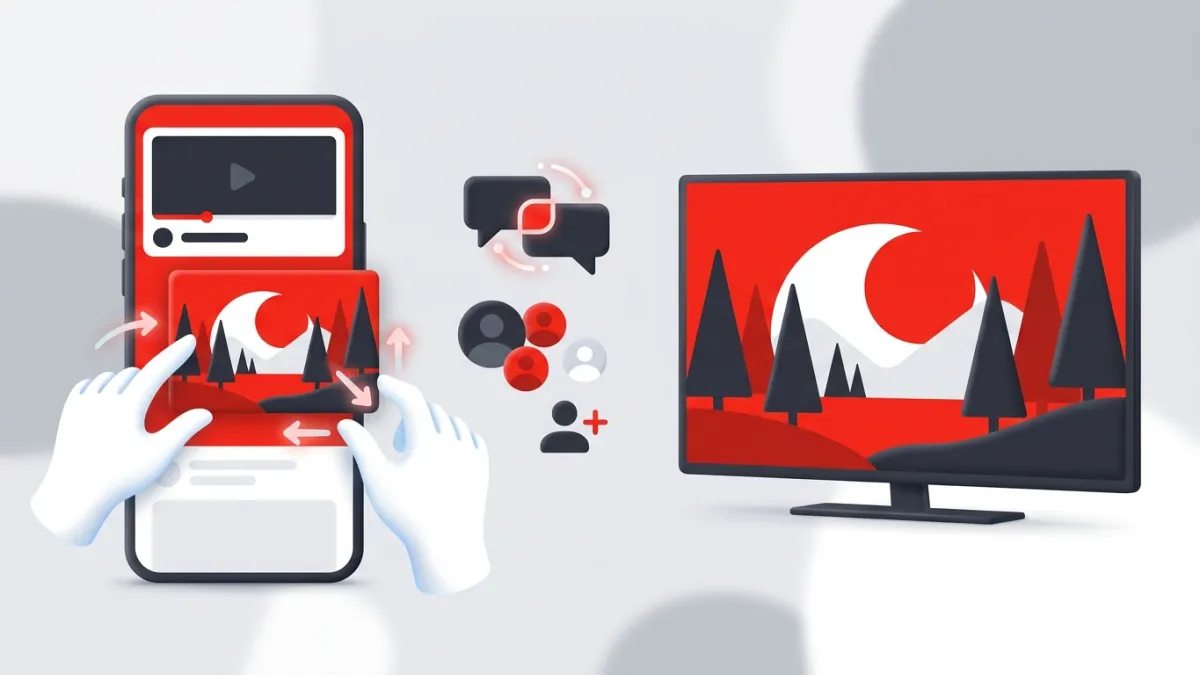
- Draggable, resizable miniplayer: Multitasking inside the mobile app is now flexible and customizable.
- Collaborative playlists: New sharing methods via links and TV QR codes, plus custom thumbnail covers.
- Community badges and TV improvements: Milestone recognitions on YouTube and YouTube Music, alongside interactive Shorts features on smart TVs.
Granular Playback Speed Adjustments in 0.05 Increments
For years, adjusting video speed meant choosing between broad presets such as 0.75x, 1.25x, 1.5x, or 2.0x. While functional for general browsing, these jumps often felt either too slow or too rushed for specific tasks like language learning, transcription, music practice, or following technical walk-throughs.
YouTube now allows viewers to fine-tune playback speed in precise 0.05 increments. If 1.25x feels slightly too rapid for a dense lecture but 1.0x feels sluggish, you can land comfortably at 1.10x or 1.15x.
How Precision Speed Changes Your Workflow
This level of micro-adjustment mirrors what power users have long requested. When breaking down complex tutorials or reviewing long webinars alongside tools like our YouTube Timestamp Link Generator, the ability to dial in the exact pacing makes absorbing detailed information far more efficient.
The controls remain intuitive to access from the playback settings menu on mobile and desktop, giving viewers smoother control over audio pitch and video pacing without awkward audio distortion.
Free Sleep Timer for All Mobile Users
One of the most practical additions in this release is the universal expansion of the Sleep Timer. Originally tested as an experimental perk exclusively for YouTube Premium subscribers, the feature is now officially available to all mobile users on both Android and iOS.
The Sleep Timer solves an everyday issue: falling asleep while watching or listening to content, only to wake up hours later with a drained phone battery and a disrupted watch history.
How the Sleep Timer Works
Viewers can configure the timer directly from the video settings gear icon during playback:
- Tap the Settings gear icon on any active video.
- Select Sleep Timer from the menu options.
- Choose your preferred listening duration or pick the option to pause when the video ends.
Once the timer finishes, video playback automatically halts, preventing auto-play from running continuously through the night. For more clever playback options built directly into the player, explore our roundup of 9 Hidden YouTube Features Most People Never Use.
Redesigned, Resizable Floating Miniplayer
Multitasking on mobile has historically been constrained by a rigid picture-in-picture window. The traditional in-app miniplayer locked the video into a small bar or fixed rectangle anchored to the bottom of the screen, frequently covering menu buttons or comment threads.
With this update, YouTube introduced a fully redesigned floating miniplayer for mobile devices. Users can now:
- Freely drag the miniplayer to different positions on the screen.
- Pinch or pull the player edges to dynamically resize the video frame.
- Search for new topics or curate up-next queues without interrupting the running video.
This makes finding your next watch seamless, turning in-app navigation into a true multi-window experience on phones and tablets.
Smarter Playlist Collaboration and Custom Covers
Playlists also received substantial functional and visual upgrades aimed at shared curation. Assembling watch lists with friends or family previously required sending individual video links back and forth. The update introduces direct collaboration via shared links as well as displayable QR codes on smart TV screens, letting everyone in the room scan and contribute directly from their phones.
New Custom Thumbnail Options
Playlists are no longer stuck displaying whichever video thumbnail happens to sit at the top of the queue. Users can now personalize their playlist visual identity by:
- Uploading custom covers directly from their device's camera roll.
- Generating unique thumbnail graphics via text prompts using built-in generative creation tools.
If you curate playlists or manage video presentations, pairing strong graphics with tools like our YouTube Thumbnail Downloader makes auditing your channel artwork simple. YouTube also confirmed that an interactive playlist voting feature is scheduled to roll out later this season, enabling collaborative groups to collectively vote and rank video queues.
Achievement Badges and Smart TV Enhancements
Beyond personal playback and organization, the update brings community and living-room screen improvements:
| Feature | Platform | What It Does |
|---|---|---|
| Achievement Badges | YouTube & YouTube Music | Recognizes user milestones, such as being an early subscriber to a channel or a top listener for an artist. |
| Interactive Shorts on TV | Smart TVs | Lets viewers browse linked shops and read comment sections directly on the TV interface during Shorts playback. |
| TV QR Code Pairing | Smart TVs | Displays a QR code on screen so guests can instantly add videos to a shared playlist. |
These additions align with broader updates tracked in our YouTube News section, reinforcing YouTube's focus on connecting living-room displays with mobile interactivity.
What Should You Do Next?
Because this rollout began on October 15, the new features are making their way to users worldwide over the coming days.
To ensure you have access to the Sleep Timer, granular speed adjustments, and the new miniplayer:
- Update your mobile apps: Visit Google Play or the iOS App Store to install the latest available version of the YouTube app.
- Test your playback settings: Open any video, tap the settings gear icon, and look for the new 0.05 speed intervals and the Sleep Timer option.
- Try the miniplayer gesture: Swipe down on an active video to enter miniplayer mode, then drag and pinch the corners to test resizing.
- Update your smart TV app: Launch the YouTube app on your smart TV to access the updated Shorts viewing interface and TV playlist QR codes.
Frequently asked questions
Who gets access to the new YouTube sleep timer?
The sleep timer is now available to all mobile users on both Android and iOS devices, regardless of whether they have a free account or a YouTube Premium subscription.
How small are the new playback speed adjustments on YouTube?
YouTube now allows you to adjust playback speed in 0.05 increments, letting you fine-tune playback pacing instead of relying solely on 0.25 preset steps.
Can I resize the YouTube miniplayer on my phone?
Yes. The redesigned mobile miniplayer can be freely dragged across the screen and resized by pinching or pulling the player borders while you browse.
When will interactive playlist voting be available?
YouTube confirmed that interactive playlist voting, which lets groups rank and vote on videos within shared playlists, will roll out later this season.