How Much Does YouTube Pay Per 1,000 Views? (2026 Guide)
On average, YouTube pays creators between $2 and $12 per 1,000 views for standard long-form videos, with most channels averaging around $4 to $7. For YouTube Shorts, the payout is significantly lower, typically ranging from $0.03 to $0.08 per 1,000 views. Your actual payout depends primarily on your niche, audience geography, viewer demographics, and video length.
If you want to know how much does youtube pay per 1000 views, the answer is never a flat number. Two creators with identical view counts can make vastly different amounts of money at the end of the month. To understand where your channel fits, you need to look at how YouTube calculates ad revenue and the mechanics behind your payouts.
CPM vs. RPM: The Numbers That Matter
Many new creators confuse CPM and RPM, but understanding the difference is essential for managing your channel's finances.
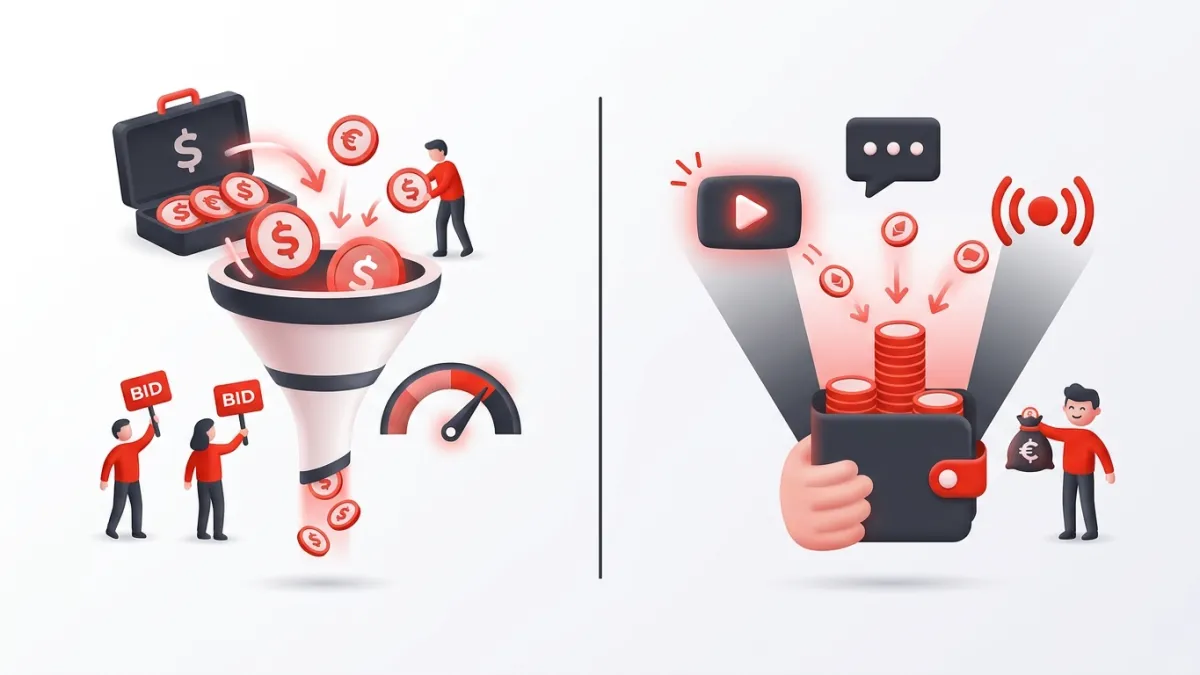
- CPM (Cost Per Mille): This is the gross price advertisers pay for every 1,000 monetized ad impressions on your video. It represents advertiser demand, not your take-home pay. Furthermore, YouTube takes a 45% cut of long-form ad revenue before money reaches your bank account.
- RPM (Revenue Per Mille): This is your actual net earnings per 1,000 total views. RPM accounts for YouTube's revenue split and calculates across all views on your video, including non-monetized views from viewers with ad blockers or non-ad plays. It also factors in alternative revenue streams like Super Chats, Channel Memberships, and YouTube Premium cuts.
In short: CPM reflects what advertisers pay, while RPM reflects what you actually deposit.
How Much Does YouTube Pay Per 1,000 Views Across Niches?
Advertisers pay premium rates when a video's audience is likely to make an expensive purchase. A viewer watching a review of business software is worth more to advertisers than a viewer watching a prank compilation. Below are typical RPM ranges across popular YouTube categories:
| Channel Niche | Estimated RPM (Per 1,000 Views) | Advertiser Intent |
|---|---|---|
| Personal Finance & Investing | $12.00 – $35.00+ | High (credit cards, brokerages, banking) |
| Software, SaaS & Web Tech | $8.00 – $22.00 | High (B2B tools, web hosting) |
| Digital Marketing & E-commerce | $7.00 – $18.00 | High (lead generation, business courses) |
| Real Estate | $6.00 – $15.00 | High (mortgages, home services) |
| Fitness & Health | $3.50 – $8.00 | Medium (supplements, gear, apps) |
| Tech Reviews & Consumer Electronics | $3.00 – $7.50 | Medium (gadgets, hardware) |
| Travel & Lifestyle Vlogs | $2.00 – $5.00 | Medium/Low (booking platforms, retail) |
| Gaming | $1.50 – $4.00 | Low/Medium (games, accessories) |
| Comedy, Pranks & Memes | $1.00 – $3.00 | Low (mass-market consumer goods) |
If you want an estimate tailored to your channel's traffic level and category, use our free YouTube Money Calculator to project your monthly and annual earnings.
4 Key Factors That Determine Your Exact Payout
Why does a finance creator make 10 times more per view than a gaming creator? Ad revenue depends on four main variables.
1. Audience Geography
Advertisers bid higher to reach viewers in countries with higher purchasing power. Views from Tier 1 countries (such as the United States, United Kingdom, Canada, Australia, and Germany) carry significantly higher CPMs than views from regions with developing ad markets. A channel based in India that attracts 80% of its audience from the US will earn US-level RPMs.
2. Video Length and Mid-Roll Placement
Videos that run 8 minutes or longer can include mid-roll ads. A 3-minute video can only serve pre-roll or post-roll ads, capping its earning potential per viewer. An 11-minute video with two well-placed mid-rolls can generate three to four times the ad impressions from a single view, dramatically raising your RPM.
3. Viewer Demographics and Age
Ad platforms allow brands to bid based on age and income brackets. An audience composed primarily of 25- to 54-year-olds with disposable income attracts premium ad bids. Audiences under 18 command much lower rates because younger viewers have limited purchasing autonomy and strict privacy protections restrict targeted ads.
4. Seasonality (Quarterly Ad Budgets)
Ad spend fluctuates across the calendar year. In January (Q1), brands slash advertising budgets after the holiday rush, causing RPMs to drop across the platform by 20% to 40%. By contrast, Q4 (October through December) brings peak RPMs as brands compete aggressively for Black Friday and holiday shoppers.
How Much Does YouTube Pay for Shorts?
YouTube Shorts monetize differently than standard long-form uploads. Shorts ad revenue is pooled platform-wide based on total views and licensed music usage, with creators receiving 45% of their allocated share.
Because users scroll through dozens of Shorts in a few minutes, individual ad placements are shared across multiple videos. Consequently, the RPM for YouTube Shorts ranges between $0.03 and $0.08 per 1,000 views in Tier 1 countries. Reaching 1,000,000 views on a Short often yields only $30 to $80 in ad revenue.
While YouTube launches 3-minute Shorts globally has expanded the storytelling canvas on vertical video, long-form remains the undisputed leader for ad revenue. Keep in mind that maintaining authentic production is critical as YouTube Shorts algorithm updates target unoriginal videos, making quality original uploads essential for monetization eligibility.
Step-by-Step: How to Check Your Actual RPM
You can inspect your exact payout rates per video directly inside YouTube Studio on desktop and mobile.
On Desktop (PC/Mac):
- Go to studio.youtube.com and sign in.
- Click Analytics in the left sidebar menu.
- Click the Revenue tab at the top of the screen.
- Scroll down to the card labeled How much you earn (RPM).
- Click See More below the chart to sort individual videos by RPM and identify your top-earning topics.
On Mobile (YouTube Studio App):
- Open the YouTube Studio app.
- Tap Analytics in the bottom menu.
- Swipe the top metric cards to the right and tap Revenue.
- Tap the RPM card to view your 28-day average payout rate per 1,000 views.
3 Practical Ways to Increase Your RPM
If you want to raise your earnings without needing to double your subscriber count, explore targeted creator growth strategies designed to optimize ad yield:
- Add Strategic Mid-Rolls Manually: Do not rely exclusively on automatic ad placements. Manually insert mid-roll ad markers during natural topic transitions or pauses in your 8+ minute videos so ads feel seamless rather than disruptive.
- Target Commercial Search Intent: Create content that answers specific buying decisions—software comparisons, product setup guides, or professional workflows. Commercial queries attract higher ad bids than generic entertainment.
- Improve Average View Duration: The longer viewers stay engaged with your video, the more ad inventory YouTube can serve. Clear pacing, strong hooks, and tighter editing directly boost cumulative ad impressions.
Frequently asked questions
Do you need 1,000 subscribers to get paid by YouTube?
Yes. To join the YouTube Partner Program and earn ad revenue, you need at least 1,000 subscribers combined with either 4,000 valid public watch hours in the past 12 months or 10 million valid public Shorts views in the past 90 days.
Does YouTube pay for views without ads?
YouTube does not pay ad revenue for views where no ad was displayed, such as when a viewer uses an ad blocker. However, views from YouTube Premium subscribers still earn a cut of the subscriber's monthly fee based on watch time.
How much does YouTube pay for 1 million views?
For standard long-form videos, 1 million views typically pays between $2,000 and $7,000, though high-CPM niches like finance can reach $15,000 to $30,000. For YouTube Shorts, 1 million views yields roughly $30 to $80.
Why did my YouTube RPM suddenly drop?
RPM drops commonly happen in January when advertiser budgets reset after the holidays, or when an influx of traffic arrives from countries with lower ad rates. Changes in viewer demographics and seasonal ad spend also cause fluctuations.